
Guide (How to's)
Learn how to use SnapJamz with our easy-to-follow guides. If you need additional help, please create a FREE account and then contact us in the profile menu!
Quick Navigation
How to Change Your Event Gallery Background
Personalize your event gallery with beautiful background themes that match your occasion! Follow these simple steps to change your gallery background:
- Navigate to your event gallery from your dashboard
- Click on the "Change Background" option in your event settings or profile menu
- Browse through the available background themes shown below
- Select your preferred background by clicking on it
- Changes are automatically applied - your gallery will update instantly!
Available Background Themes
Choose from our curated collection of backgrounds designed for different event types:

Default Theme
Clean and simple for any event

Wedding
Elegant design perfect for weddings

Birthday
Fun and festive for birthday celebrations
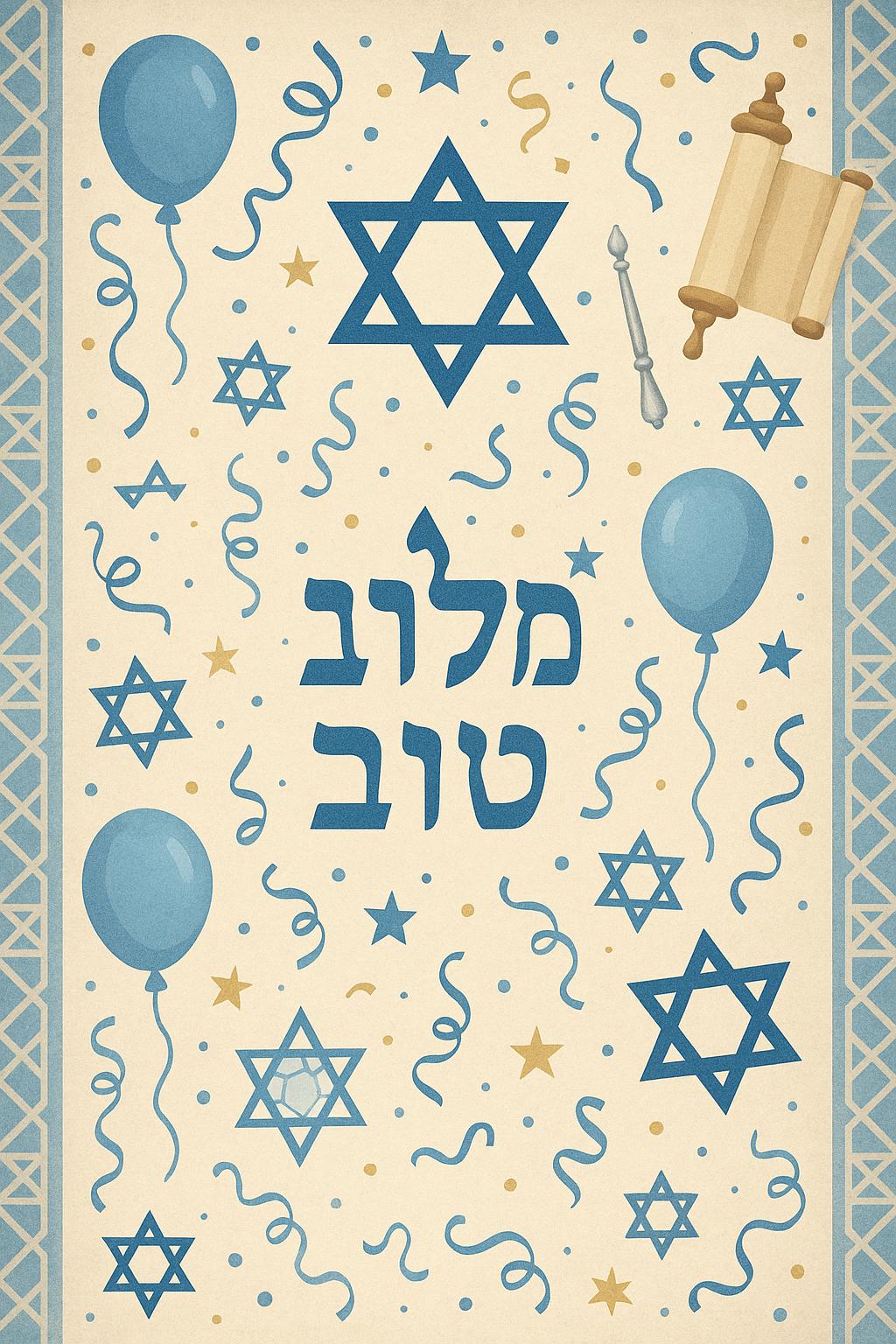
Bar Mitzvah
Special for coming-of-age celebrations
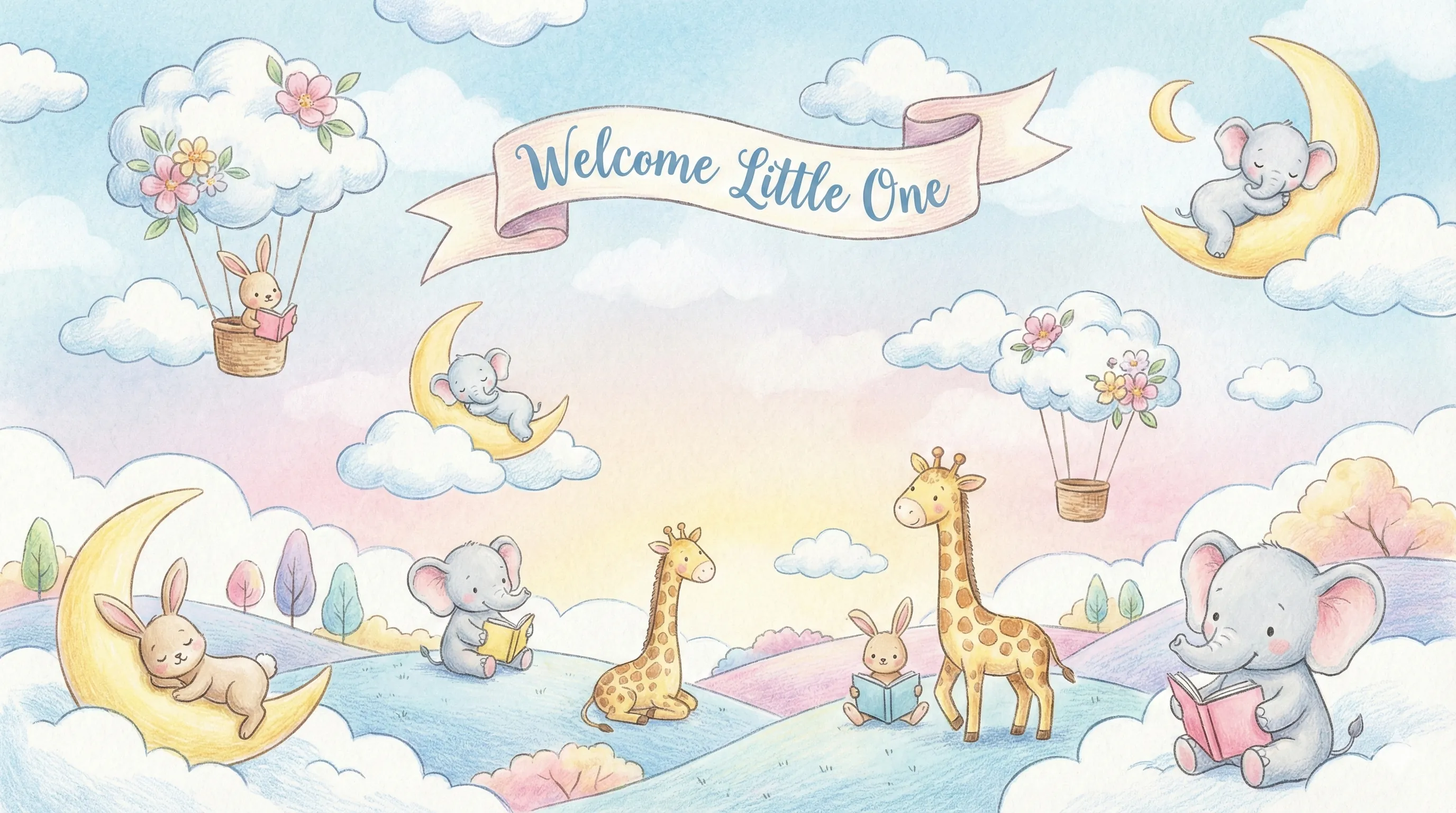
Baby Shower
Sweet and cheerful for baby celebrations

Graduation
Celebrate academic achievements
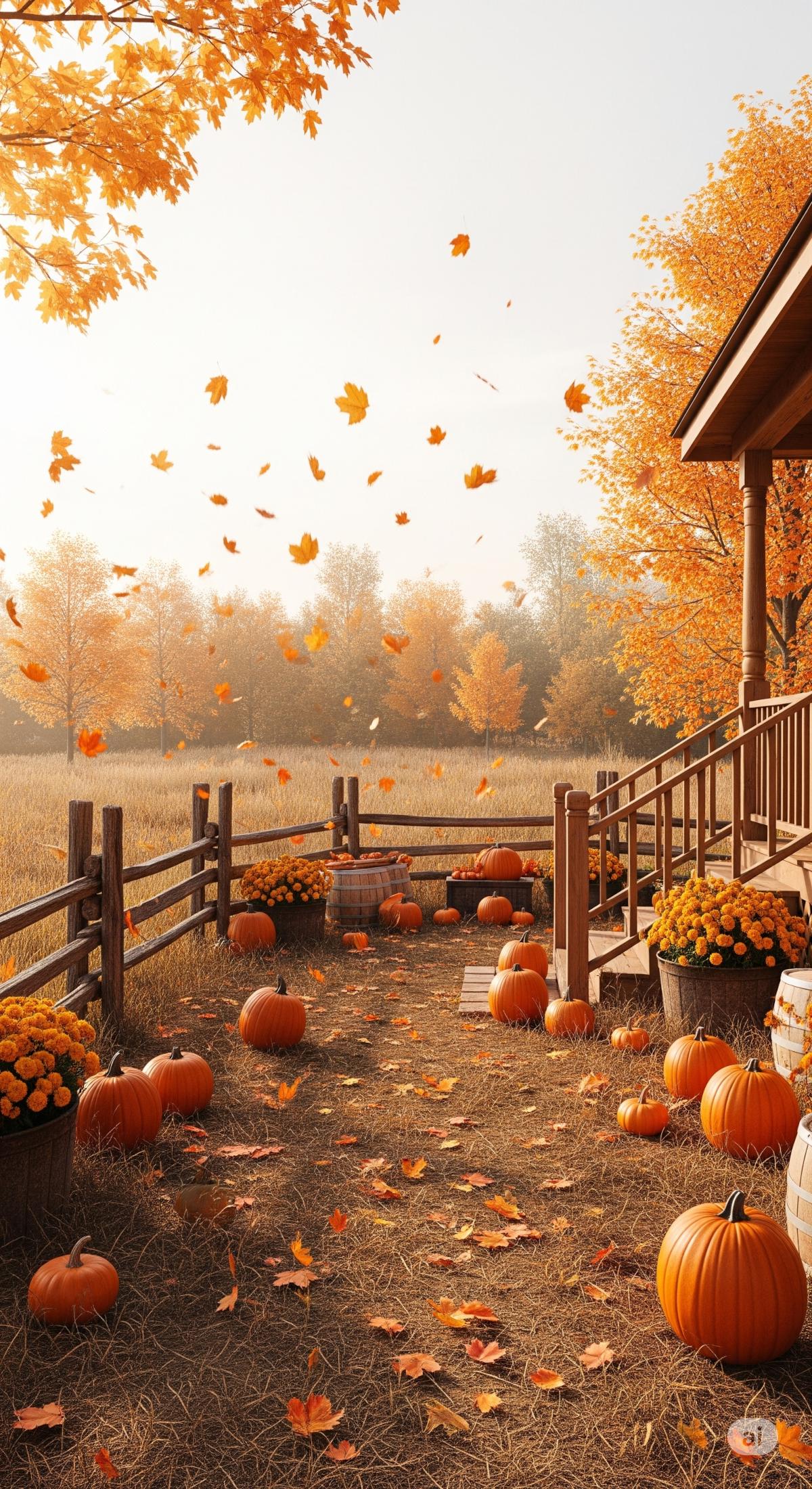
Autumn
Warm fall colors for seasonal events

Winter
Cool and festive winter theme
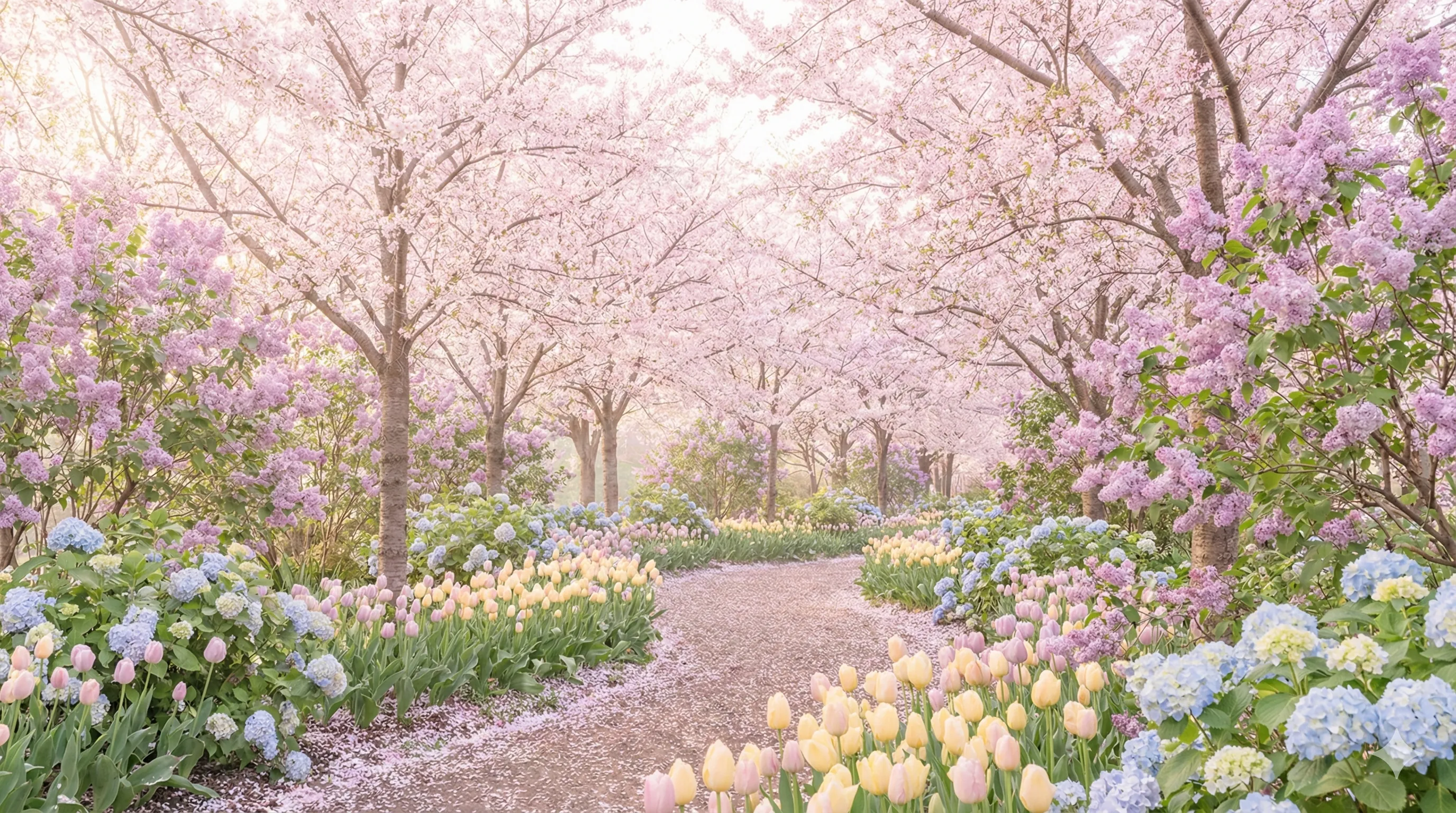
Spring
Fresh and vibrant spring blooms

70's Disco
Groovy retro vibes from the 70s
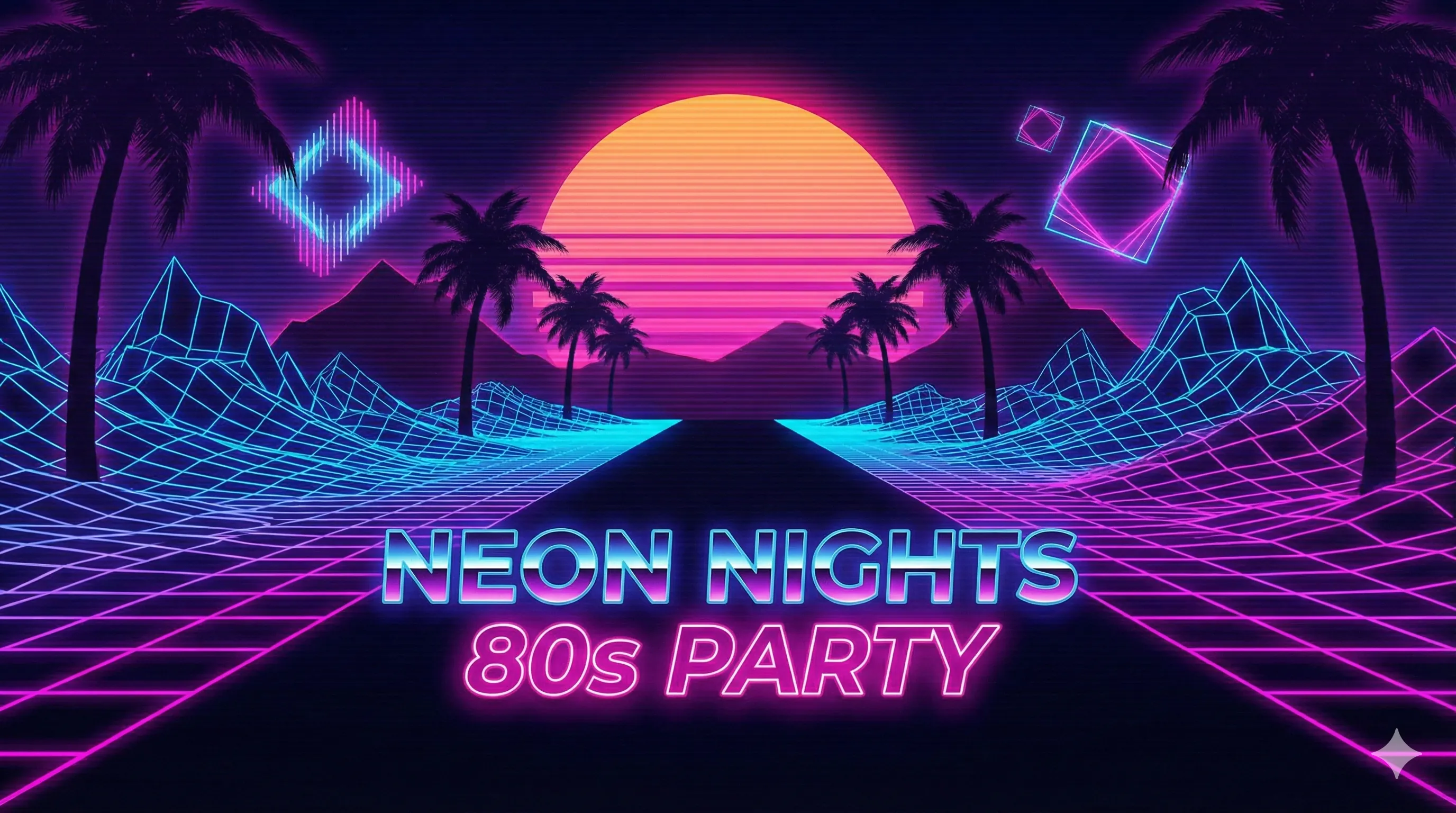
80's Neon
Bright neon colors from the 80s
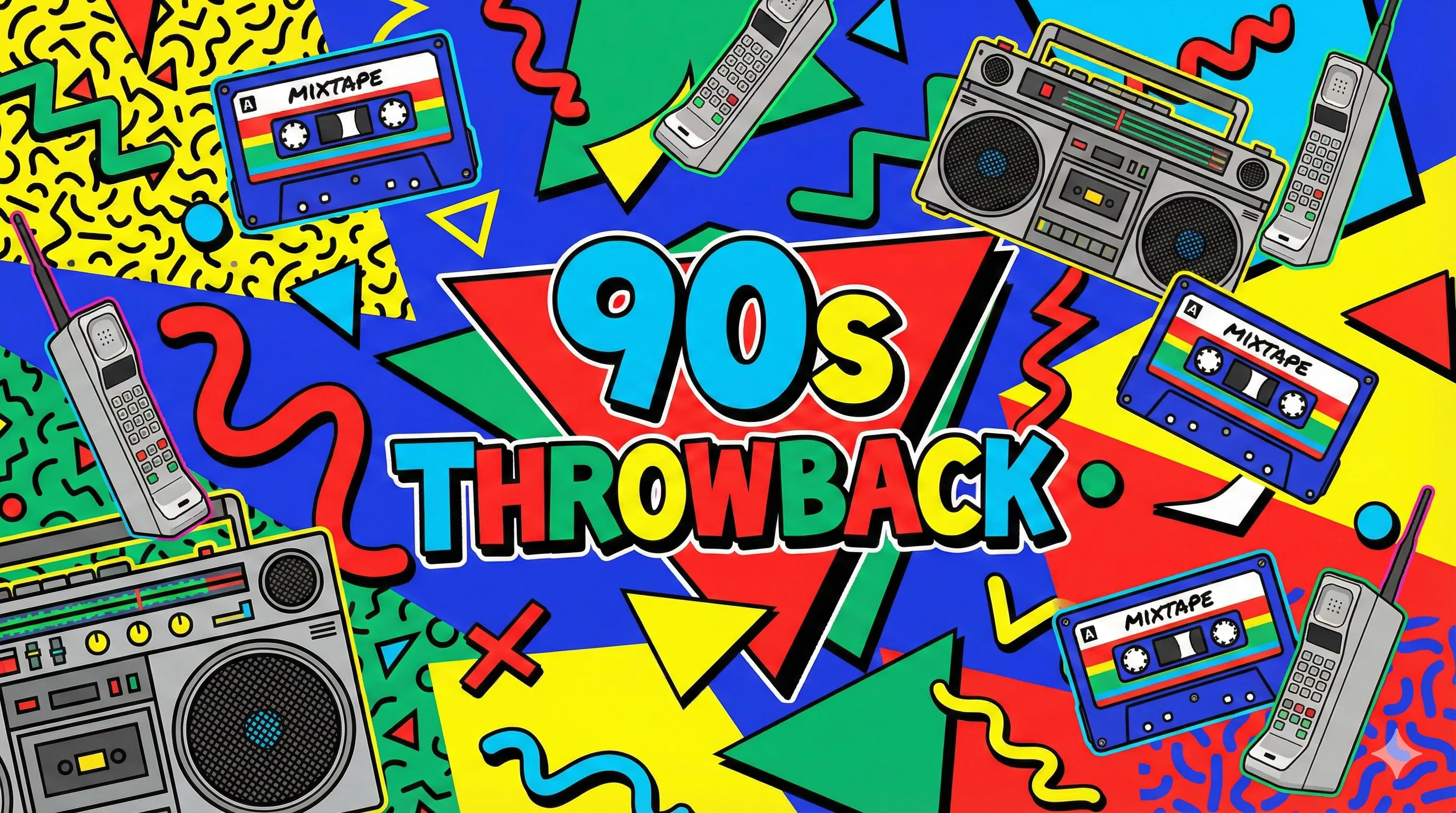
90's Throwback
Nostalgic 90s style
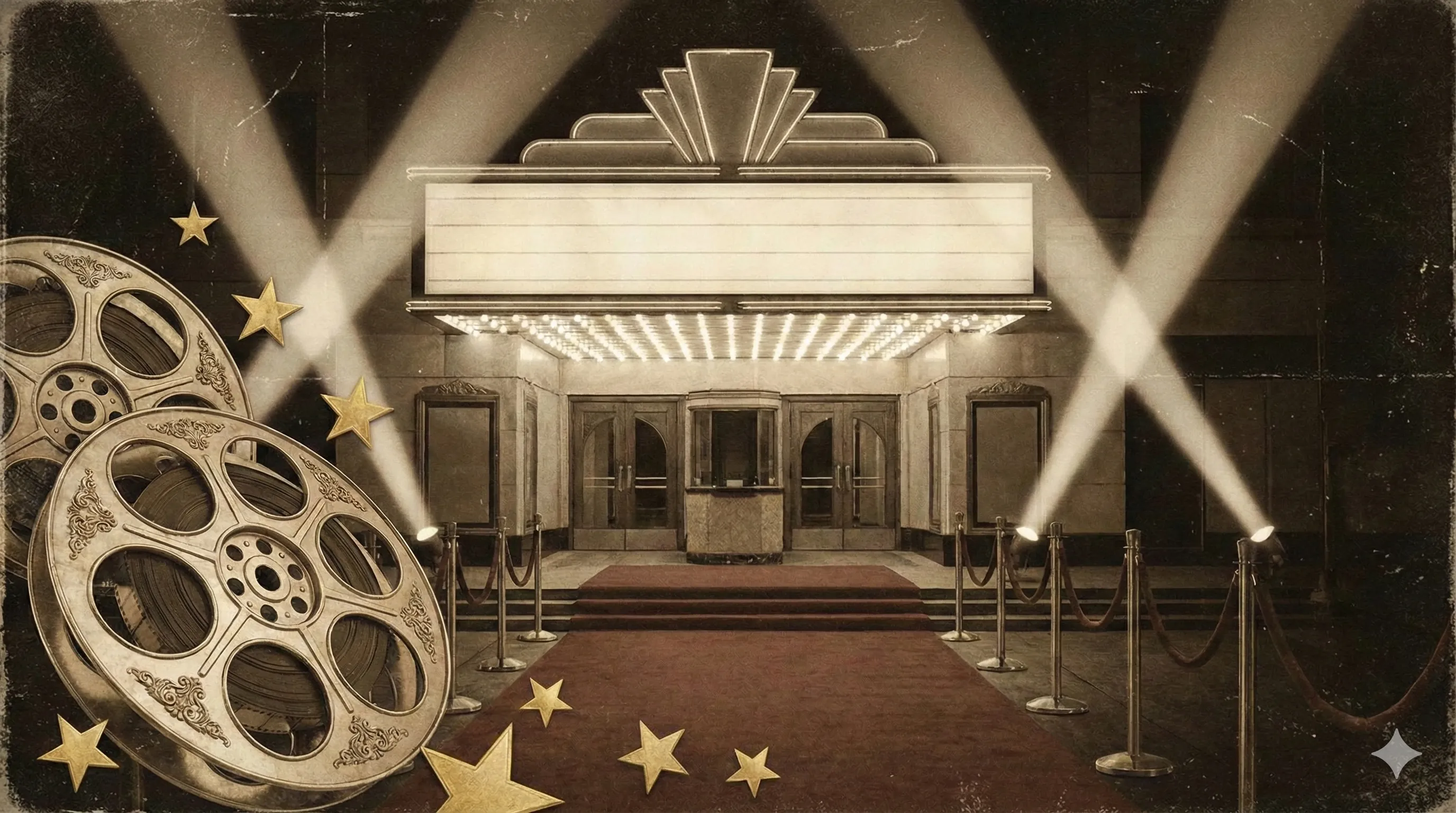
Vintage
Classic timeless elegance
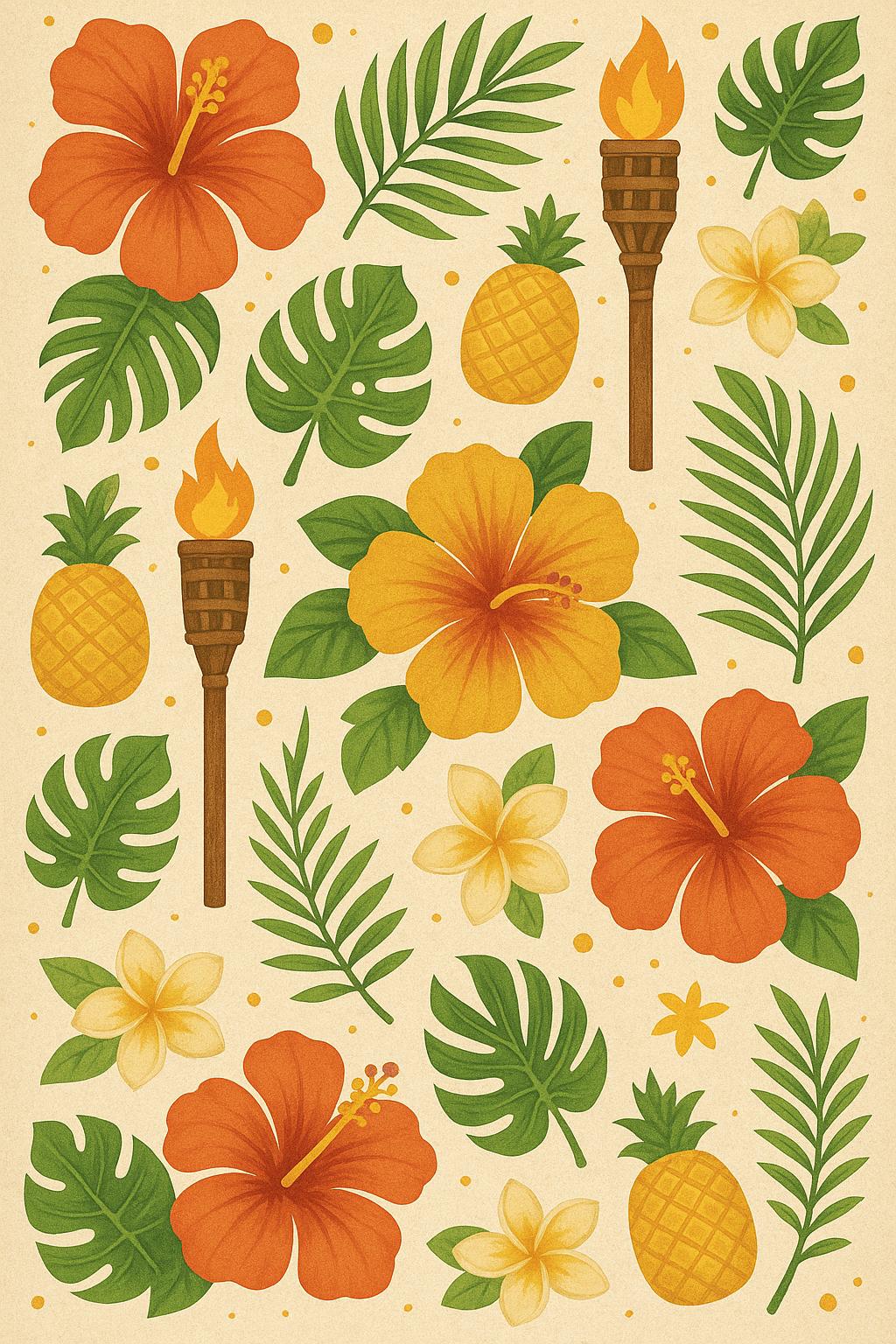
Tropical
Vibrant tropical theme for luaus

Gaming
Perfect for gaming parties and events

Corporate
Professional for business events

Elegant
Sophisticated for formal occasions
💡 Pro Tip: Choose a background that matches your event theme to create a more immersive experience for your guests!
Looking for an event type background not listed? Please use the support link to let us know!
Creating a Photo Book
Transform your favorite event photos into a professionally printed photo book! SnapJamz partners with Mixbook to make it easy and affordable to preserve your memories. Follow these steps to create your own custom photo book:
- Download all your photos from your event gallery using the "Download All Photos" option
- Extract the zip file to a new folder on your computer
- Click "Create Photo Book" from your gallery event (located right below the "Download All Photos" option) or from your profile dropdown menu
- Browse and select a photo book template that matches your vision, or start with a blank canvas design for complete customization
- Create your Mixbook account using the exclusive link from your SnapJamz gallery to access our partner pricing and premium quality options
- Upload your photos by dragging your entire photo folder to the Mixbook upload area—all your photos will upload instantly
- Customize your photo book by arranging, editing, and personalizing your layout until it's just perfect
- Order your photo book and wait to receive your beautifully printed keepsake from your special event!
💡 Pro Tip: Use Mixbook's layout tools to create unique designs—try different photo arrangements, add captions, and include custom pages to make your photo book truly one-of-a-kind!
Always access Mixbook through the link in your SnapJamz gallery to ensure you receive our exclusive partner discounts. These special rates make creating beautiful photo books more affordable while supporting SnapJamz!